My Hub App
Project Brief
MyHub Intranet wanted to streamline their software for mobile users. I was tasked with designing the app and re-configuring exisiting desktop modules to work on a mobile app
Project Information
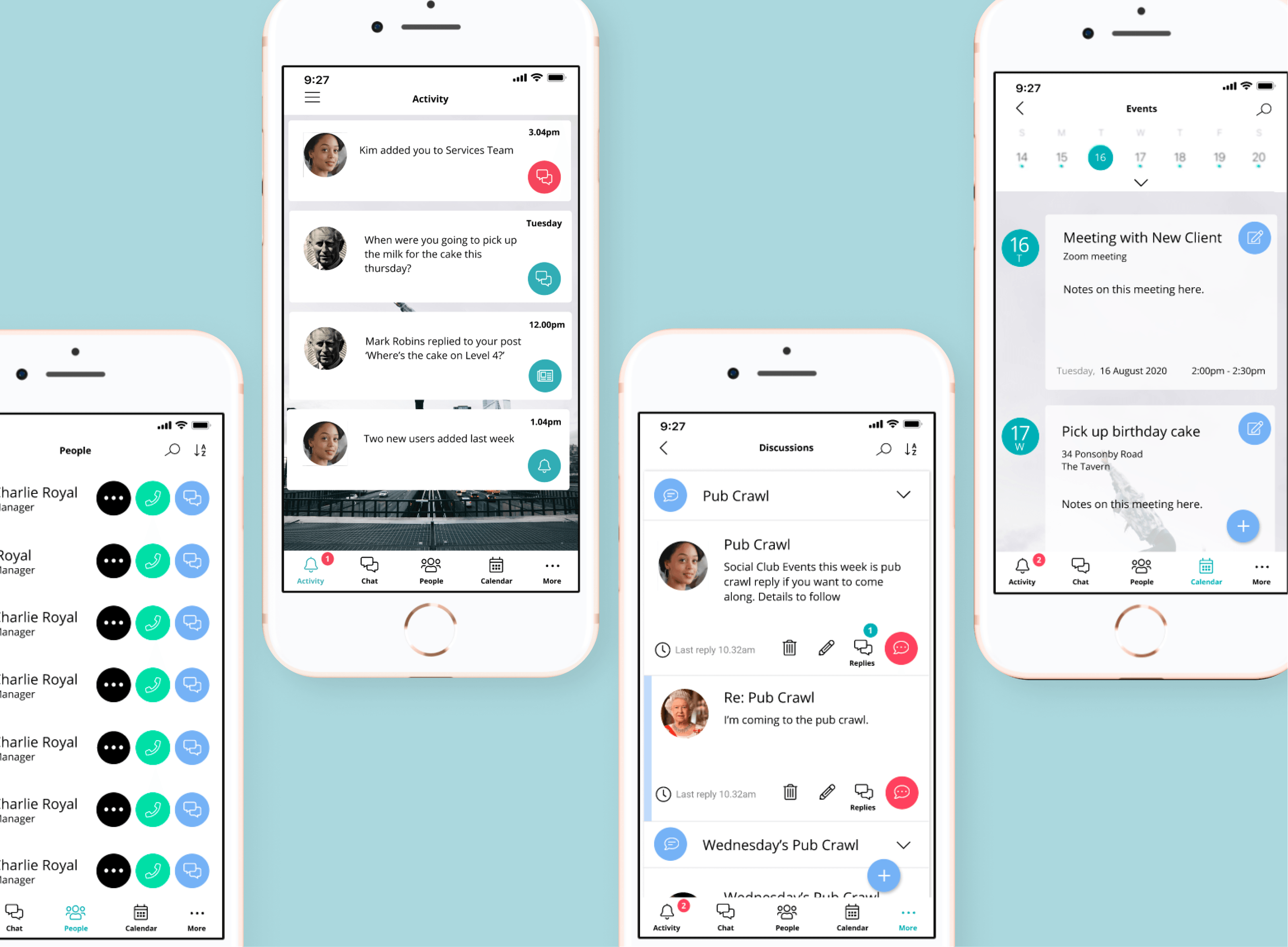
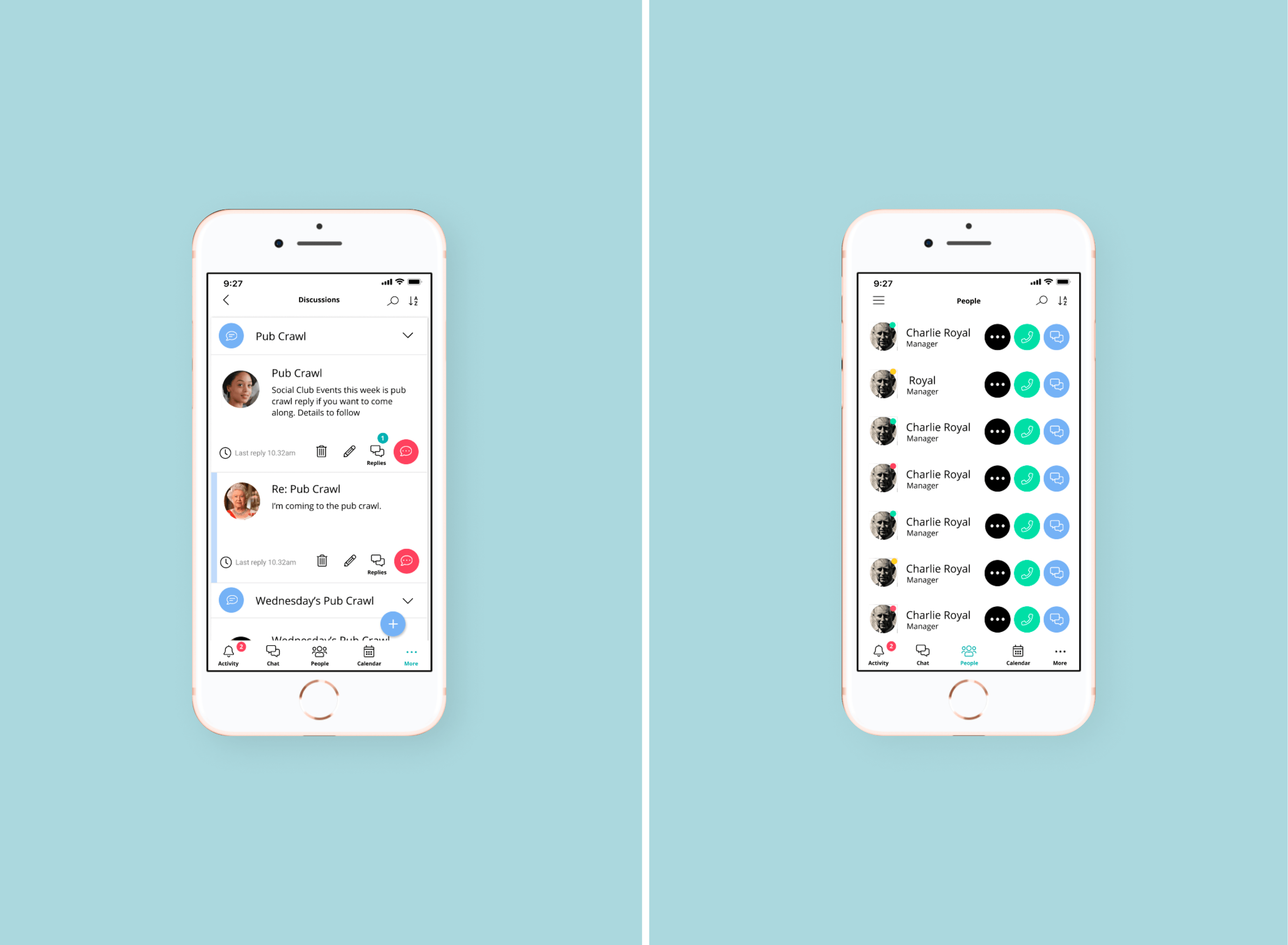
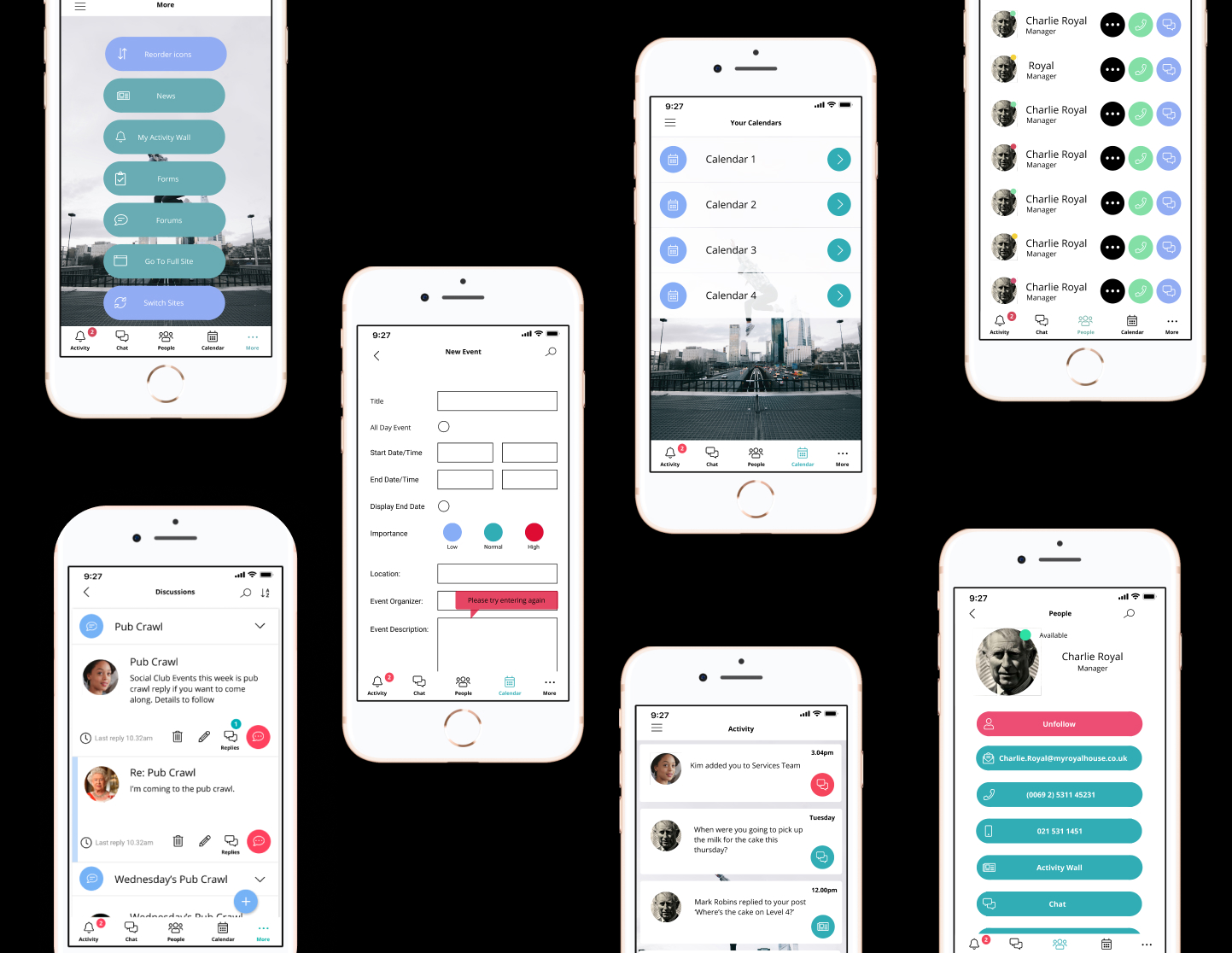
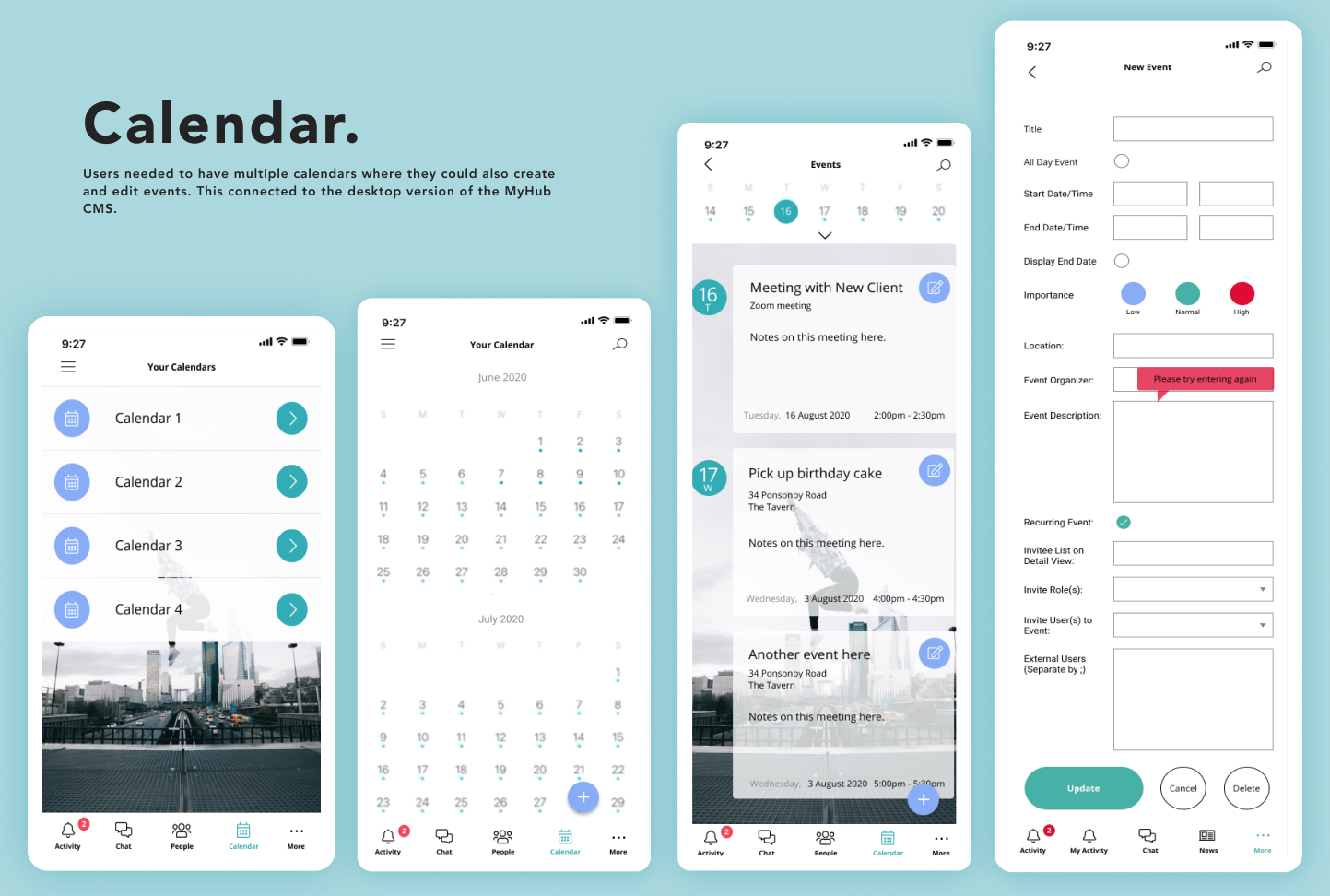
An opportunity to create a new MyHub Mobile Application came up. This was to be separate to the responsive mobile version of the Myhub Intranet site.The functionality for the app was more streamlined with a greater focus on communication between users. This meant highlighting modules like Notifications, Activity Wall, Chat and the Forum as well as 'People' which was the original Staff Directory module. The People module was redesigned to a contact list style you would see on a mobile phone. The Calendar Module was also redesigned to easily create and edit appointments and the whole thing was to sink up to the desktop version of the Intranet. So that if someone made an appointment using the mobile app, it would automatically match their desktop calendar.MyHub wanted to re-brand the app with a new look and feel, with a distinctly new style from the desktop intranet. This included new branding including colours, icons, buttons and dropdown styles. They wanted a more fun, vibrant look and feel, more like a iPhone and less like a business website.
Project Scope
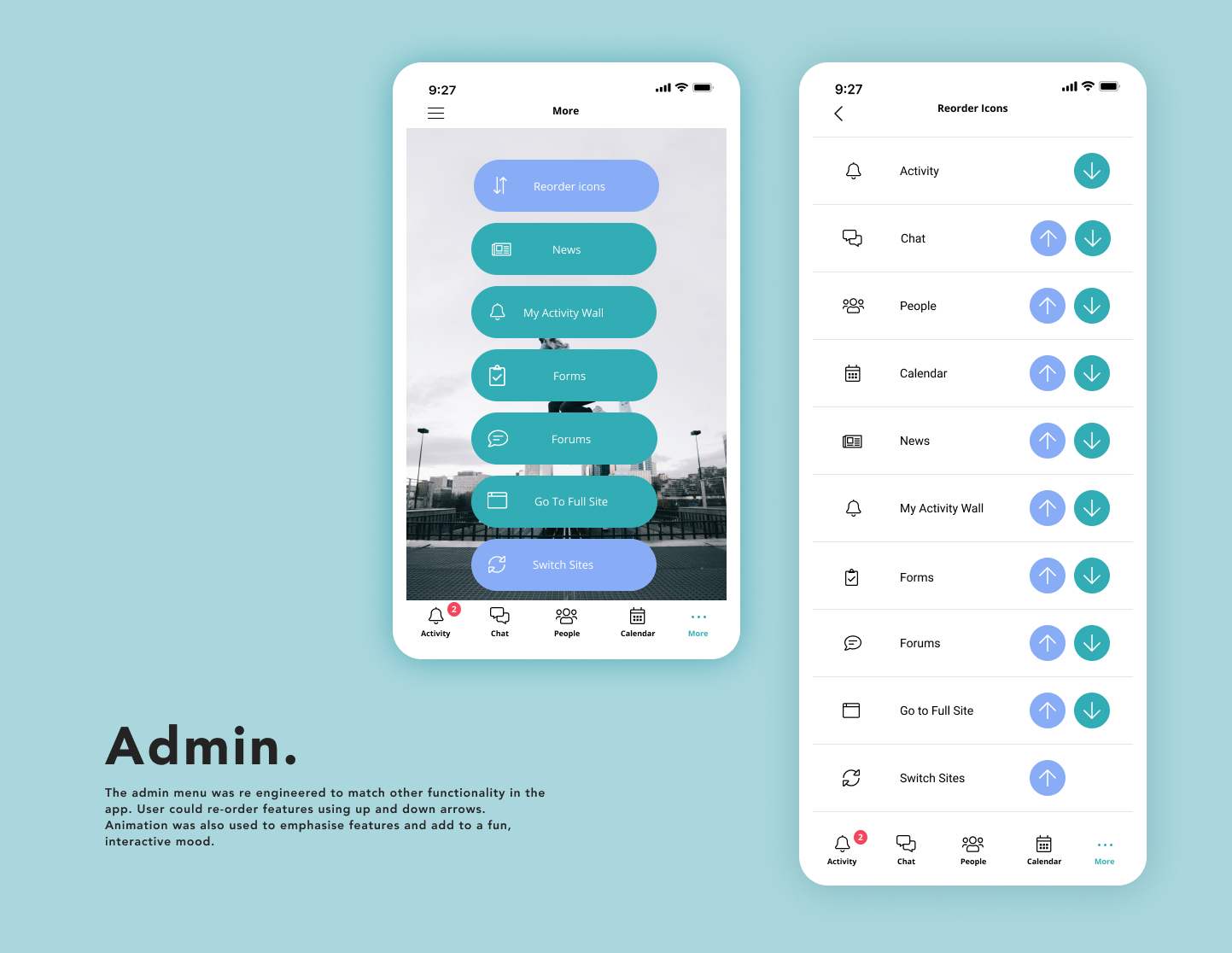
My job was to redesign the MyHub Intranet with a new iPhone aesthetic. I created a Pattern Library for all of the new components and icons to share with the development team. I then wire-framed new user journeys for all of the new modules and general navigation round the app. I redesigned each module that would be used in the app. Then created mock-ups to preview the new designs in Figma. This process was iterative, working alongside the Managing Director and CEO for MyHub. I also liaised with the development team who were tasked with building out the app. Sharing designs and assets with them.
Tools
Figma
Time
4 months
Role
UX/UI Design
.gif)
.png)